Does the contest really end when the log is sent? For me, the answer is no. It is only when the silence returns that the most rewarding work begins: the analysis of one’s own performance. After receiving the UBN reports from the contest organizer (Unique, Bad, Not-in-log, or LCR for Log Checking Report), one must ask the right questions. Why didn’t that multiplier hear me? Was my modulation truly punchy?
It is to help you answer these questions that I am sharing the wtQSOPlayer software tool with you. Much more than just an audio player for your QSOs, it is a genuine auditing tool for contest participation.

Search, listen, and learn…
One of the tool’s strengths is its instant search engine, designed for rapid navigation through thousands of contacts.
-
Find your own exchanges: By entering your callsign, you gain immediate access to all the QSOs you have made with the station.
-
Study the competition: This is a fascinating aspect: you can type in the callsign of a direct competitor to listen to how they exchanged with the station.
-
Instant download: Does a QSO seem exceptional or deserve in-depth analysis on sound processing software? Every audio clip is downloadable with one click.
With wtQSOPlayer, you will quite simply be able to objectively judge the quality of your transmission as it arrived at the remote station, as shown in these few scenarios:
-
The saturation trap: By re-listening to your SSB passes, you will quickly identify if your compressor is set too high or if there is RF feedback. A distorted signal fatigues the remote operator’s ears and reduces your chances of being picked up quickly.
-
The art of piercing the pile-up: Analyze how your signal behaves in the middle of dozens of others. Is it “sharp” enough, higher pitched? Is your CW manipulation precise enough to emerge from the noise and be read easily?
-
QRM Management: Review how your signals survived adjacent and powerful signals during “pile-up” conditions.
Quick Guide: How to find your own QSOs with FY5KE?
Did you contact the FY5KE station during a recent contest? You can listen to our exchange in just a few seconds. It is an excellent way to check how your signal was arriving in French Guiana!
-
Access the wtQsoPlayer portal: Go to the FY5KE audio archives and contests page.
-
Search all archives: In the search field at the top of the table, simply enter your callsign. You will find all contests with at least one QSO available for replay.
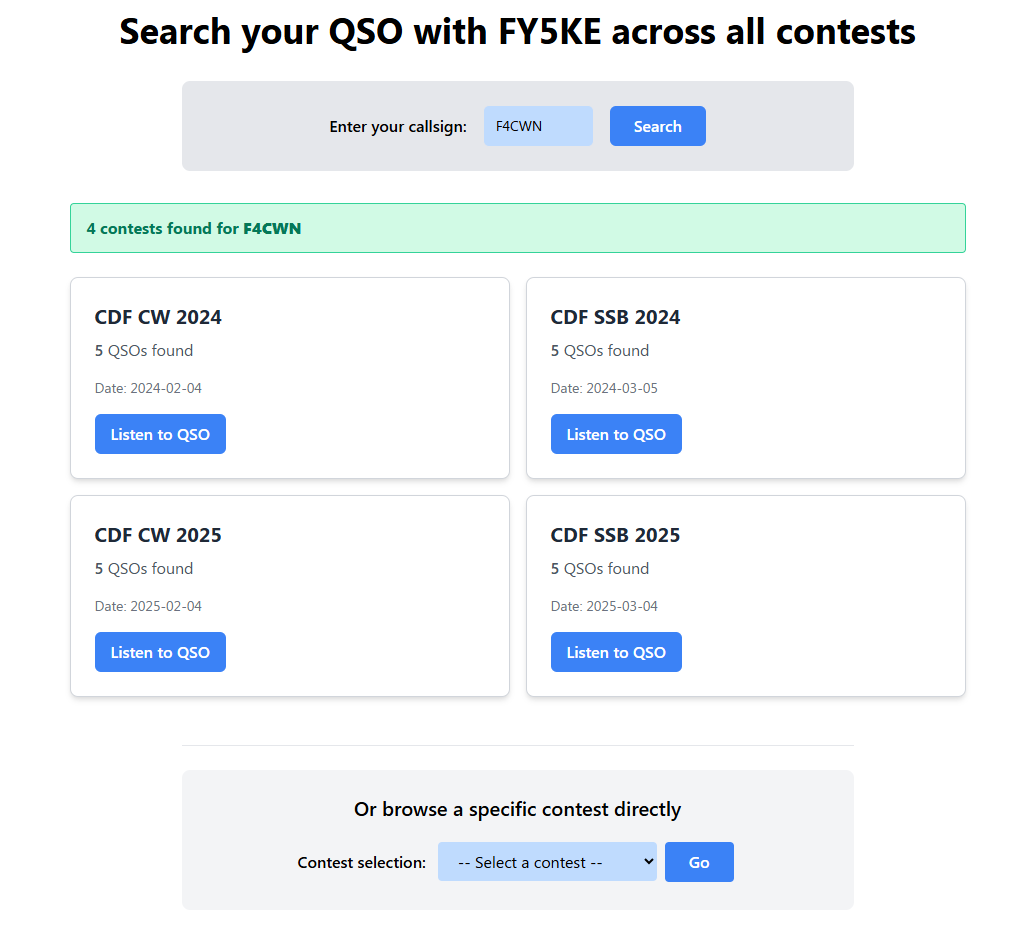
Example of searching through contests for F4CWN
-
Choose the contest: Click on the button corresponding to the contest you participated in (e.g., CQWW CW or REF SSB).
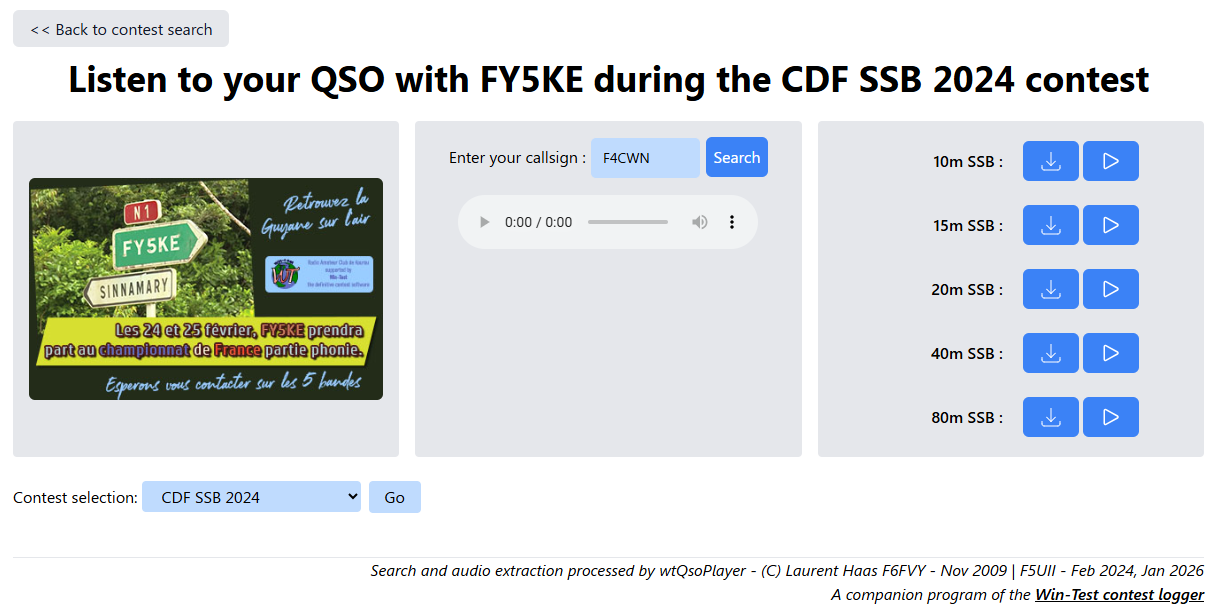
Display of F4CWN’s contacts with FY5KE to replay for each band (10, 15, 20, 40, and 80m
-
Listen and download: Click on the line of your QSO (for the specific band and mode) to start the audio instantly. If you wish to keep the recording, click the download icon to retrieve the MP3 file of your exchange.
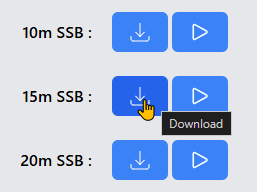
Download and playback buttons for the QSO
Did you know? You can also search for the callsigns of your friends or competitors to compare signal reports and the quality of signals received at the station.
Publish your own archives
I strongly encourage all Win-Test users to share their recordings. It is an invaluable educational resource for young operators and a great showcase for your station.
Simplified Operating Procedure
Installation is within reach of any radio amateur with a basic web hosting account: a standard PHP environment is sufficient, and no complex database is required.
- Record the audio: During the contest, after installing the Win-Test MP3 codec, you are ready to record your contest (See Win-Test MP3 configuration).
-
wtQSOPlayer sources: Download the project from my GitHub repository: f5uii/wtQsoPlayer.
- Configure: Follow the ReadMe file which details the different steps.
- Add your contest: Transfer the exported files from Win-Test to your hosting server in the contest directory. At the end of each contest, you simply repeat this step and add a single configuration line.
Ready for the next events?
Beyond the technical aspect, wtQSOPlayer serves as a bridge between the adrenaline of live operation and the satisfaction of calm, post-contest analysis. Every playback is an opportunity to refine your rhythm, improve the clarity of your exchanges, and ultimately save those precious seconds that make all the difference in the final standings.
The contest season is far from over! The FY5KE station will be active during the upcoming major events. I invite you to check the operation schedule now on the official website: 👉 Contest calendar on fy5ke.org
I look forward to meeting you on the air, whether for a brief reply in a pile-up or a sustained exchange. Until then, keep practicing, analyze your logs, and above all: take care of your modulation!
Looking forward to hearing you (and re-hearing you) on the bands very soon.