
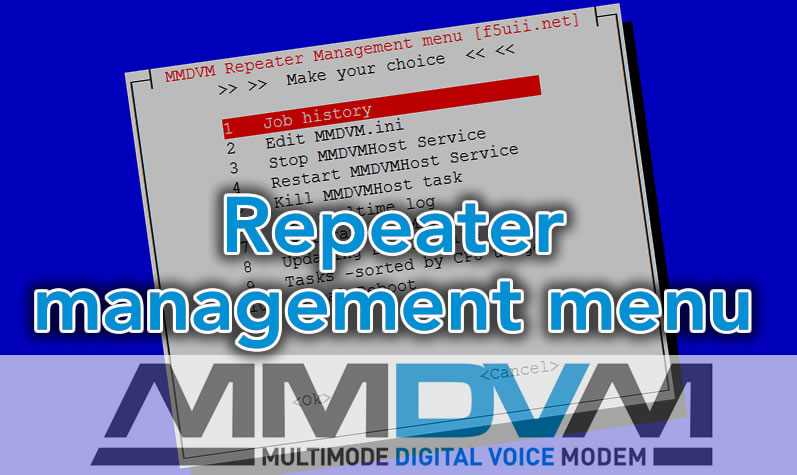
Finally, there comes a time when you become lazy … By dint of always type the same commands to manage its MMDVM digital repeater…
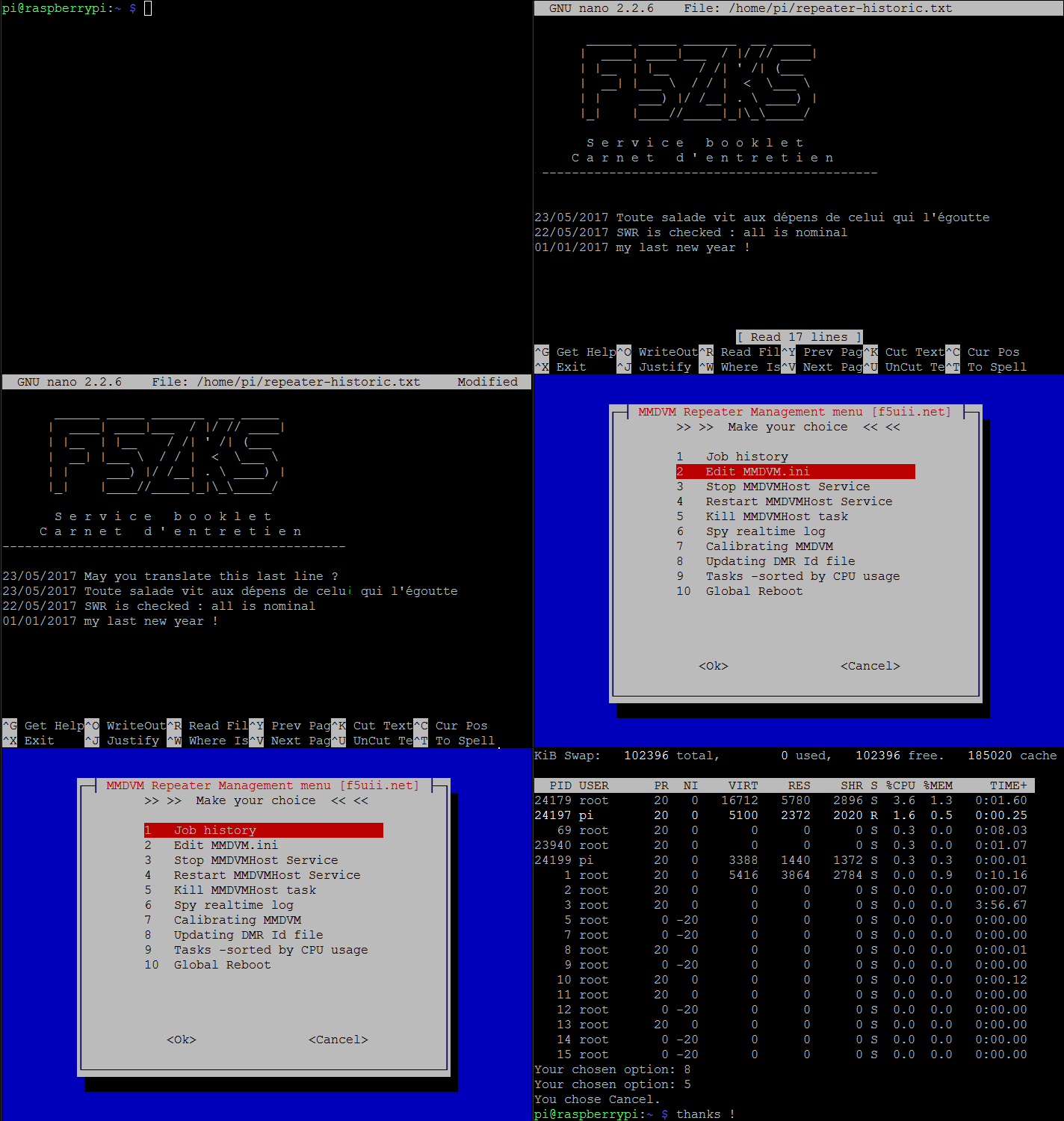
I took a moment to put in a menu my routine commands.
I just give you the code to put in a shell menu.sh file, directly in its home directory.
MMDVM menu file
cd ~
sudo nano menu.sh
# SYSOP MMDVM REPEATER MENU #  F5UII  May 2017
#
# 2017-05-20
#
# https://www.f5uii.net
#

#!/bin/bash

while : ; do

choix=$(whiptail --title "MMDVM Repeater Management menu [f5uii.net]" --menu "       >> >>  Make your choice  << <<" 20 50 10 \
1 " Job history" \
2 " Edit MMDVM.ini " \
3 " Stop MMDVMHost Service " \
4 " Restart MMDVMHost Service " \
5 " Kill MMDVMHost task " \
6 " Spy realtime log " \
7 " Calibrating MMDVM " \
8 " Updating DMR Id file " \
9 " Tasks -sorted by CPU usage  " \
10 " Global Reboot "   3>&1 1>&2 2>&3)

exitstatus=$?

#on recupere ce choix
#exitstatus=$?
if [ $exitstatus = 0 ]; then
    echo "Your chosen option:" $choix
else
    echo "You chose Cancel."; break;
fi

# case : action en fonction du choix

case $choix in
1)
sudo nano ~/repeater-historic.txt ;;
2)
sudo nano /opt/MMDVMHost/MMDVM.ini;;
3)
sudo systemctl stop mmdvmhost.service;;
4)
sudo systemctl restart mmdvmhost.service;;
5)
sudo killall MMDVMHost ;;
6)  tail -f $(find /*.log -type f -printf '%T@ %p\n' | sort -n | tail -1 | cut -f2- -d" ")
 ;;
7)  sudo /opt/MMDVMCal/MMDVMCal /dev/ttyACM0
;;
8) sudo  /opt/MMDVMHost/DMRIDUpdate.sh 1>/dev/null 2>&1

;;
9) top
;;
10) sudo reboot


esac

done
exit 0
For the implementation of the service, I invite you to read the article devoted to the automatic launch of MMDVM.
Execution rights
sudo chmod +x menu.sh
Running menu
To launch the menu, simply launch the command
./menu.sh
or specify the absolute directory
./home/pi/menu.sh
Conclusion
Then you have only one last effort to put this into effect, and like me, be a lazy guy… 

Some will say that it would be necessary to add the management of other software … To you to play. Do not hesitate to share your versions by publishing them below in comments (They will be formatted with <code> tag).